ND processing
ND processing
These workflows show preprocessing capabilities on whole dimension (many frames). They can be part of more complex workflows or used standalone.
Align frames
Correlates the image contents frame-to-frame and translates each frame based on the calculated [x, y] offset.
| Source z-stack | Aligned z-stack |
|---|---|
 |  |
Extended depth of focus (EDF)
Advanced
Reduces a whole stack into a single focused image. It analyzes each frame and takes only portions of the image which are in-focus.
| Source z-stack | EDF |
|---|---|
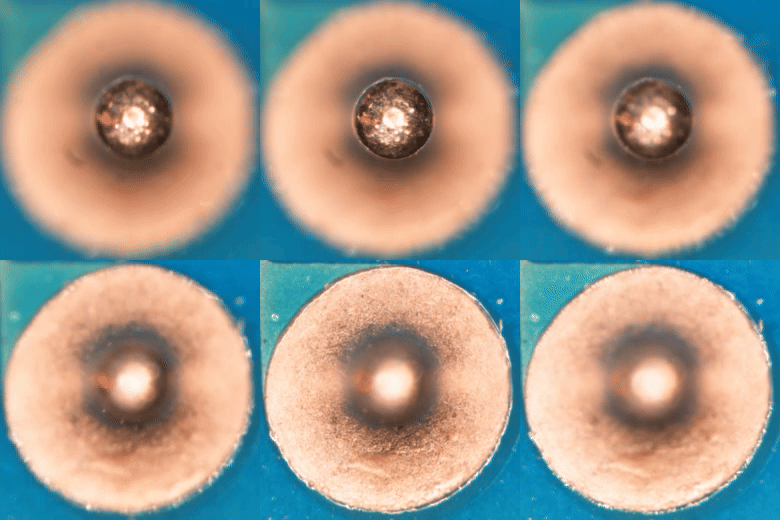 | 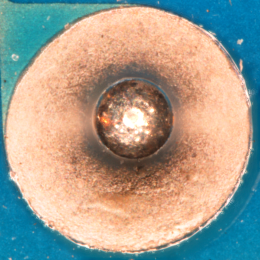 |
Try it in NIS-Express (requires Advanced)
MaxIP, Average and Median of all frames
All mentioned operations reduce whole stack into a single image.
| Source movie | Max IP |
|---|---|
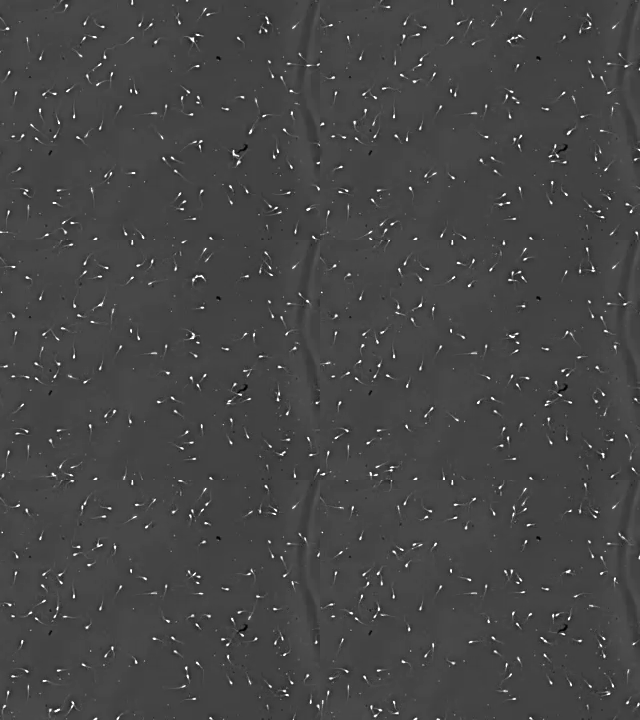 | 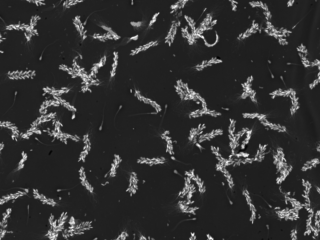 |
| Average | Median |
|---|---|
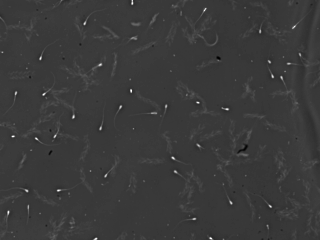 | 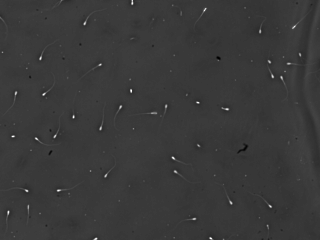 |
MaxIP is useful for showing moving objects and Median for static parts of the scene.
Try it in NIS-Express:
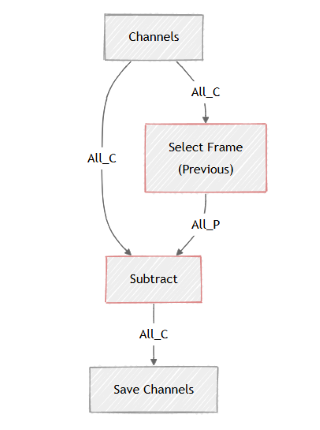
Difference of subsequent frames
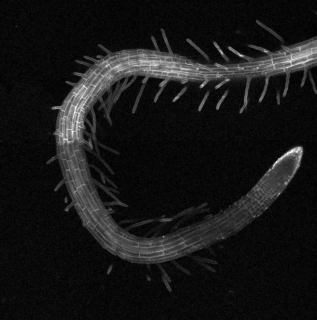
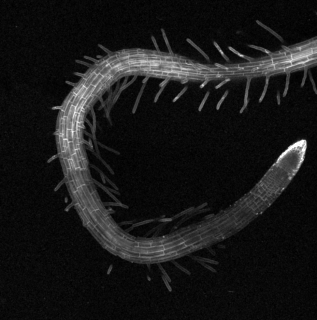
Select a previous frame with Select Frame and Subtract it from the current frame. In the images below there is a plant root growing.
| Source image | Source image |
|---|---|
 |  |
| Image | GA3 Schematic |
|---|---|
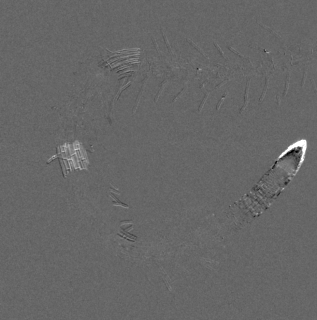 |  |
In many cases segmenting only what has changed in a scene may be much easier on a difference image like this one than on an original one.
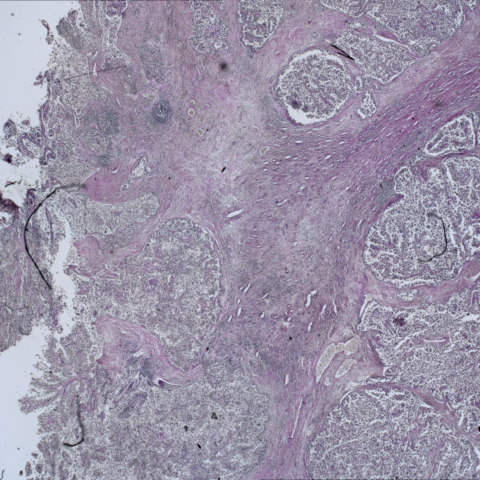
Stitch multi-point into large image
| 0 | 1 | |
|---|---|---|
| 0 | 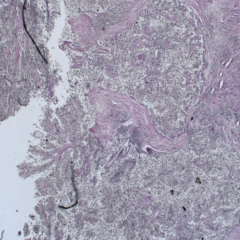 | 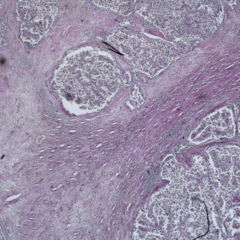 |
| 1 | 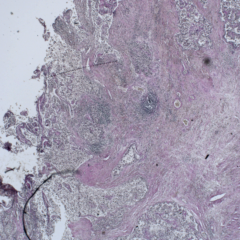 | 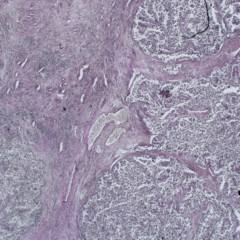 |
| Stitched image |
|---|
 |