Interactive tools
Probe
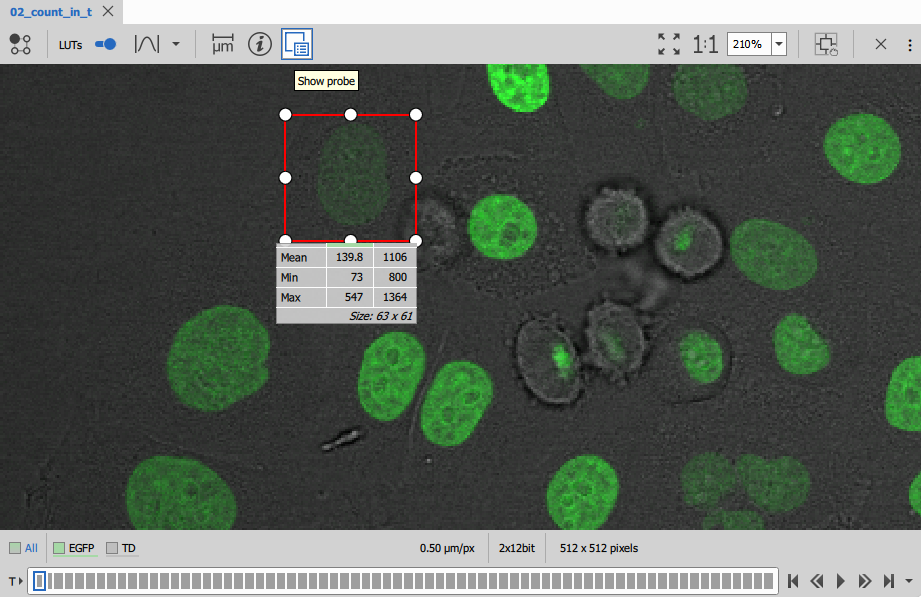
For quick inspection of intensity values, the probe shows the statistics for all channels under the rectangle.
Histogram
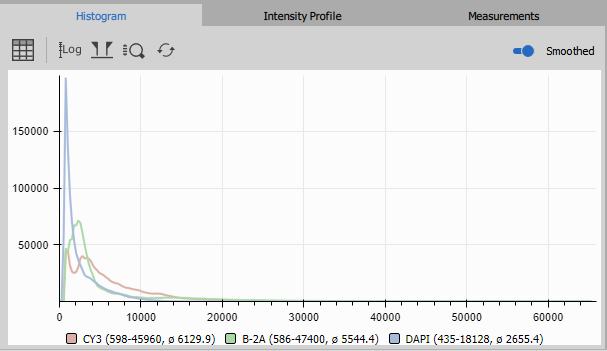
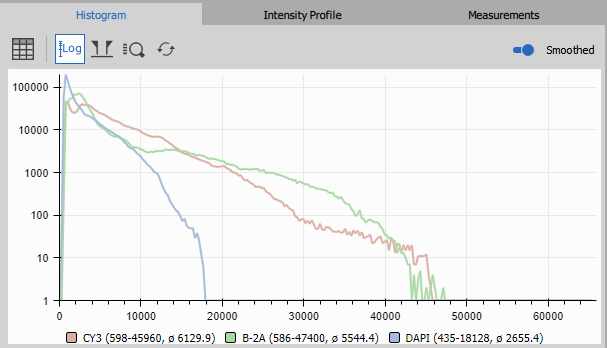
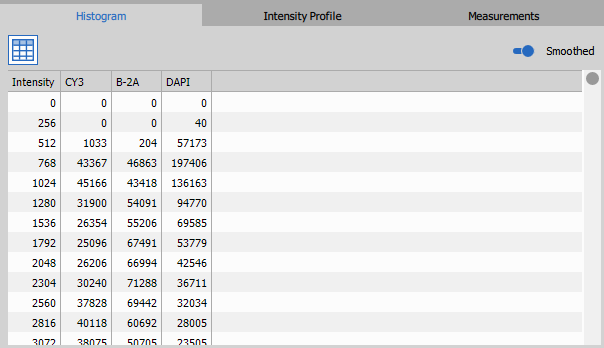
Shows lin, log or tabular frequencies of all intensities on the whole frame or in the probe if active.
On the horizontal x-axis intensity is reported. On the vertical y-axis the number of pixels is reported.
Below the graph, the range and the mean intensity of each channels is displayed.
Profile
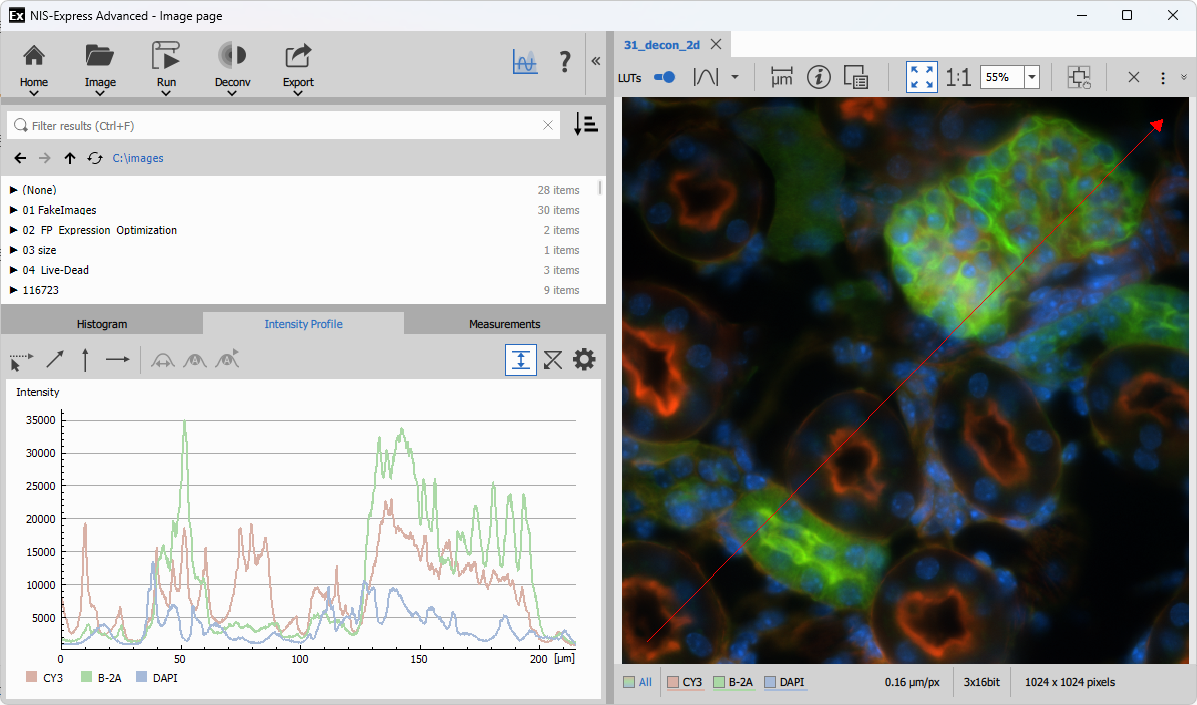
The profile shows the intensity values along a line drawn in the image. The horizontal x-axis shows the distance along the arrow and the vertical y-axis reports intensities.
Measurements
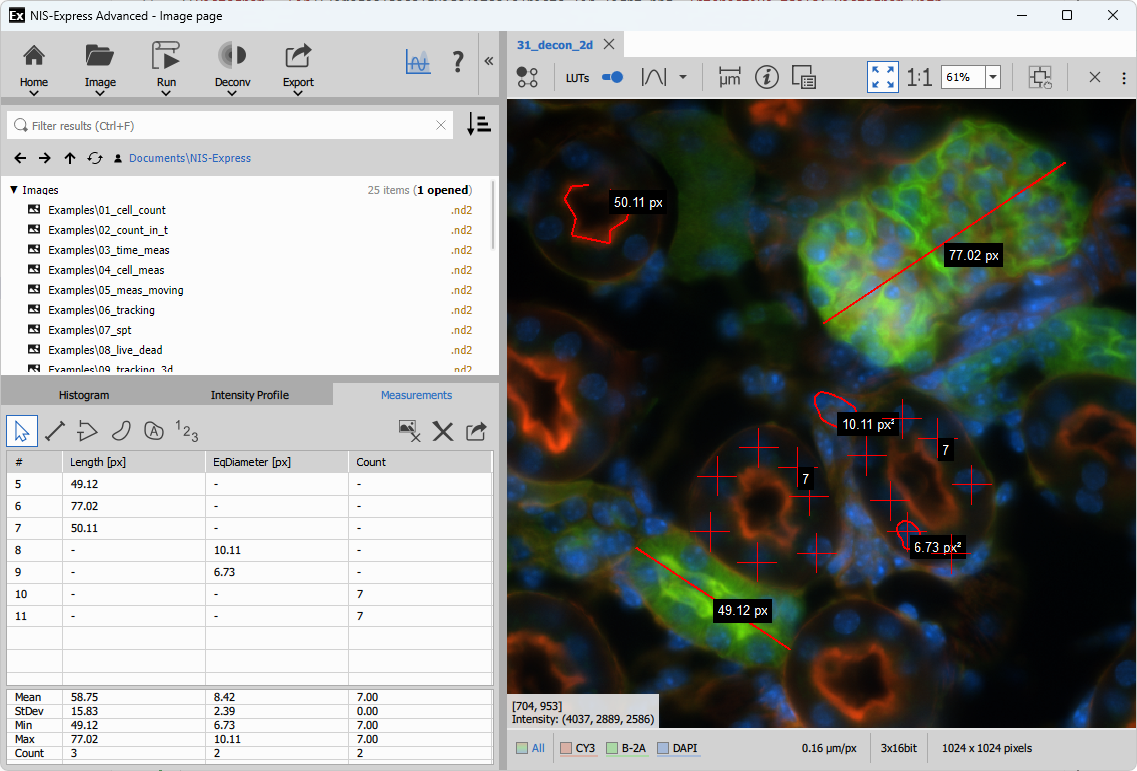
Allows to make simple measurements and export the results.
- Length
- measures the length along a path:
- Line - two-point straight line
- Poly-line - composed of linear segments
- Equivalent object diameter
- measures the size of the an object
- Polygon - manually drawn
- Auto-detected object with postprocessing functionality
- Count
- counts objects
- Count - each click increments current counter