Home page
Is a welcoming screen that facilitates navigation into specific pages:
It also contains settings and links to related files, web pages and information.
Settings
General
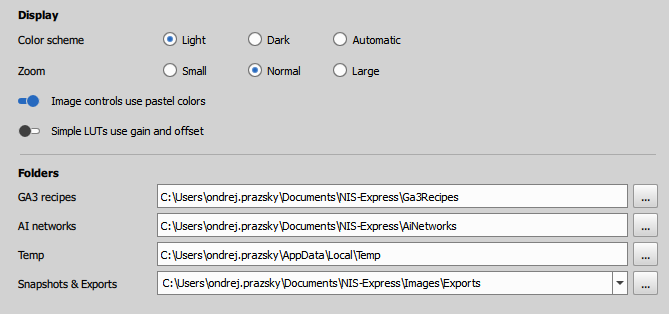
- Color scheme: light, dark or automatic
- Text and controls size: small, normal or large
- Channel colors: pastel or fully saturated colors
- LUTs appearance: basic (brightness, offset, gamma) and scientific (lo, hi, gamma)
- Default folders for
- GA3 recipes,
- Ai networks,
- temporary files and
- snapshots & exports
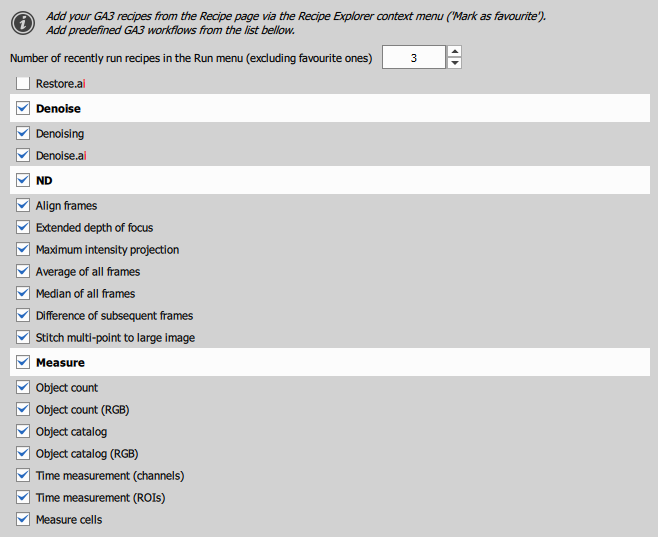
Run menu items
Selection of built-in workflows appearing in the Image Run menu.
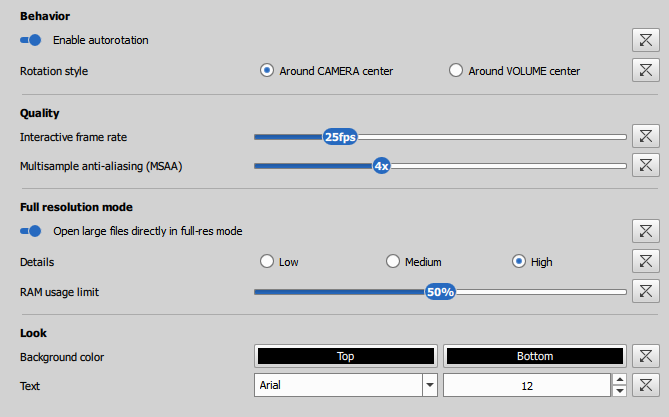
Volume view
General preferences for volume view.
Volume acceleration files
Volume acceleration files management.
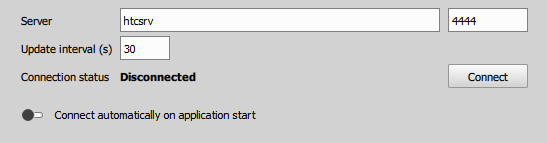
HTC Cluster computing
- Cluster address and port
Discourse
Ask for help or assist others searching for help at Discourse NIS-Express community.
A place where NIS Express users share information.